How to Make a Vision Board Online
How to Make a Vision Board Online (Step by Step)
Making a vision board online takes about ten minutes. Here is the exact process used by people who actually keep theirs alive past January.
The 5 steps, end to end
- 1
Pick a theme
Choose one focus area: career, health, relationships, travel, or a year theme like 'lighter'.
- 2
Gather images
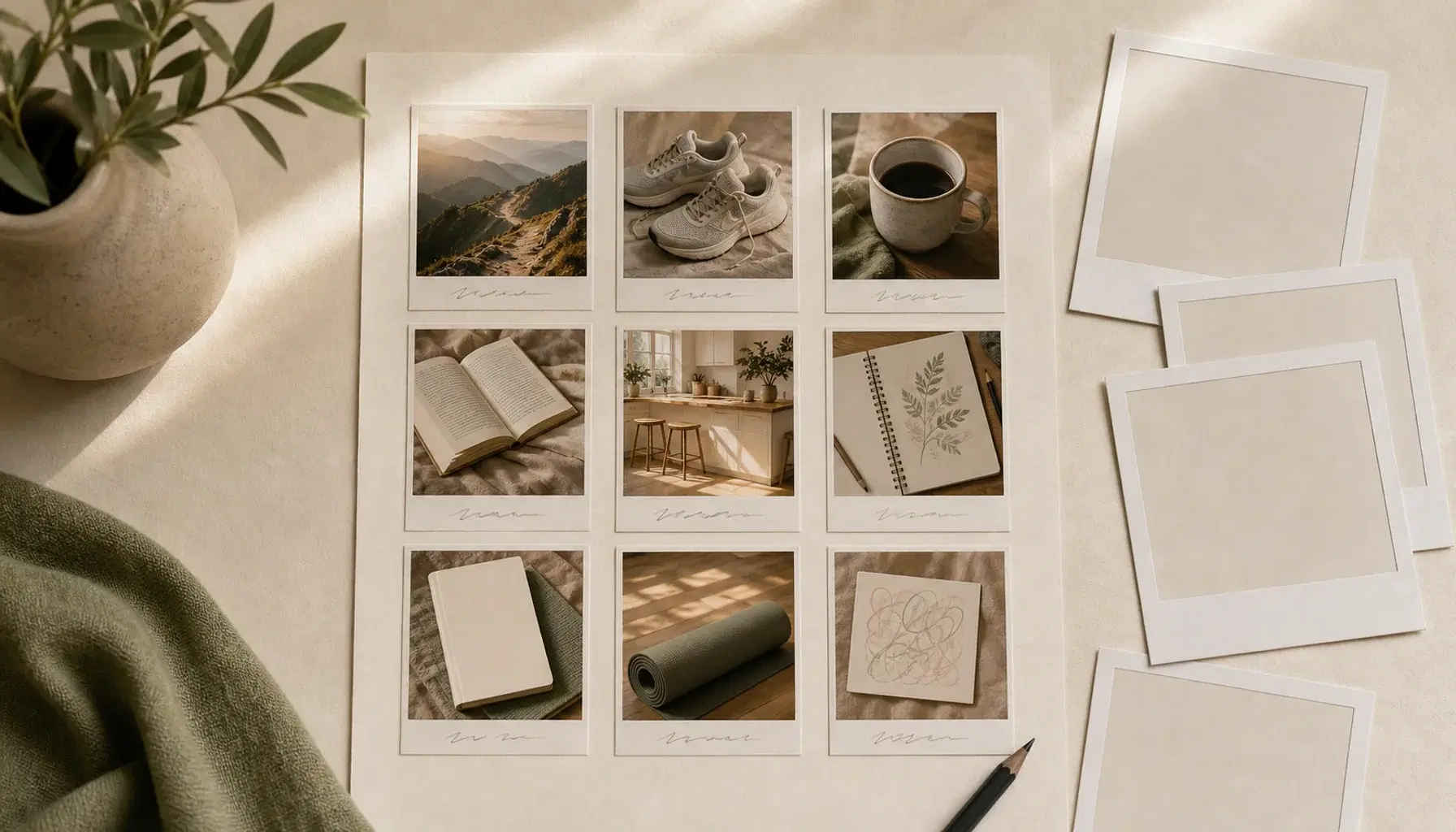
Collect 8 to 12 images that feel like the life you want. Concrete beats abstract.
- 3
Arrange the grid
Place the most important image top-left. Group related goals into rows.
- 4
Add affirmations
Write one short caption per image, present tense. 'I run 5k three times a week.'
- 5
Save and revisit
Bookmark the board. Open it every morning for 60 seconds. Edit when goals shift.
Common mistakes to avoid
- Too many images. 8 to 12 is the sweet spot.
- Pure aesthetics. If you cannot map a goal to it, drop it.
- Set and forget. Boards work when you look at them daily.
What to do after you finish
Pick one goal from your board and define the next concrete action. For more inspiration, browse vision board ideas or copy a layout from vision board examples.
Ready to build yours?
Open the Vision Board App and create your vision board online in under a minute.
Start your vision board onlineKeep exploring
- Digital Vision BoardA digital vision board you can build online in minutes.
- Vision Board IdeasStuck on vision board ideas? Browse 50+ themes including career, travel, health, love, and mindfulness, then start your own vision board online..
- Vision Board ExamplesBrowse vision board examples that worked for real people.